Why Setting Boundaries for Copilot Could Save Your Business from a Costly Mistake
Imagine this:
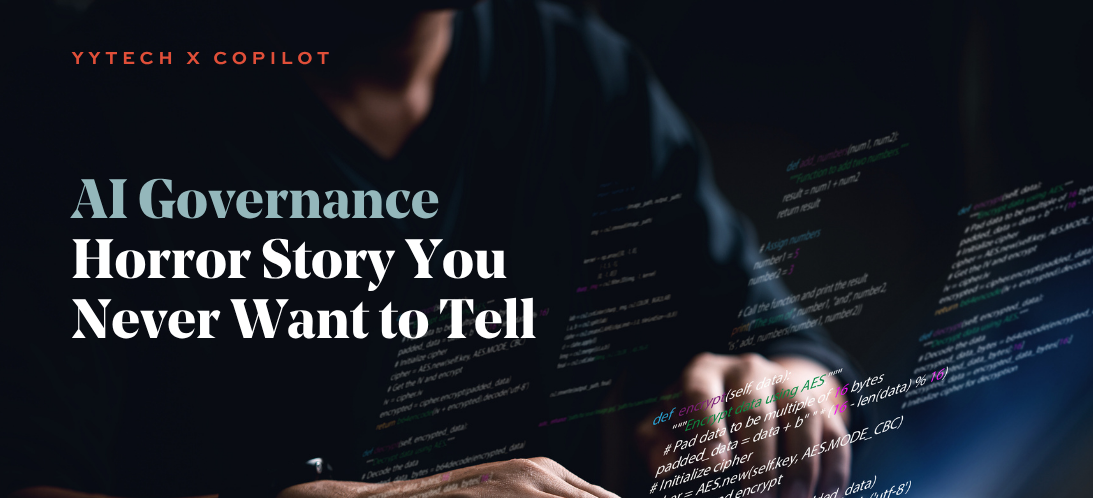
A junior employee at your company opens Microsoft Teams and is trying to get caught up on a project. They ask Copilot, “What’s the latest on the merger negotiations?” To their surprise and horror, it pulls up internal financial spreadsheets, drafts executive compensation packages, and confidential board discussions—all available instantly, copyable, and shareable.
That’s not a scene from a thriller. That’s a real situation that happened to a mid-sized business. And it could happen to you. The culprit? Lack of AI governance.
AI Is Smart; But It’s Not Infallible
Microsoft Copilot can do amazing things. But it doesn’t “know” what’s sensitive and what’s not. It simply has access to what the user can access, according to your Microsoft 365 permissions structure. If your data permissions are loose, or your Microsoft environment isn’t cleaned up, Copilot won’t know the difference between a client memo and your company’s 10-year financial forecast.
That’s why AI governance isn’t optional. It’s essential.
What is AI Governance?
Think of AI governance as setting the guardrails. It’s the combination of:
- Data access control (who can see what)
- User training (how to ask Copilot thoughtful, safe questions)
- Privacy and compliance policies (what data Copilot is allowed to use)
- Monitoring and auditing (tracking how AI is being used across your company)
Without this foundation, turning on Copilot is like giving everyone in your company a key to every filing cabinet, hoping they don’t open the wrong drawer.
A Real-World Scenario (That You Don’t Want to Replicate)
In the story above, here’s what went wrong:
- The user had broad access to company-wide Teams channels and SharePoint folders—many of which were rarely used or outdated.
- Copilot scanned all accessible content to answer the employee’s question, pulling confidential documents from several years ago.
- No alerts were in place, and the employee unknowingly shared the sensitive data in a broader meeting chat.
This led to legal reviews, internal investigations, and a near-loss of client trust. And the worst part? It was all preventable.
5 AI Governance Steps to Take Before Turning on Copilot
- Audit your data access
Review who can access what across Teams, SharePoint, OneDrive, and Exchange.
- Clean up outdated files and folders
Eliminate sensitive legacy data that doesn’t need to be indexed or searched.
- Create Copilot usage policies
Define what kinds of questions are appropriate to ask and what’s off-limits.
- Train your team
Ensure your employees understand both the power and the risk of Copilot.
- Partner with an expert
Yeo & Yeo Technology can help configure your Microsoft 365 environment with safe, strategic AI enablement.
Want to See Governance Done Right?
We’re hosting a free 30-minute webinar to walk through real use cases and show you how Copilot Agents are built.
Live Webinar: How to Build Copilot Agents to Automate Your Business
Tuesday, September 9, 2025
11:00 – 11:30 a.m. EST
Hosted by Yeo & Yeo Technology
We’ll show you exactly how businesses use Copilot without compromising their data. Learn how to streamline processes and stay secure.
? Reserve your spot now
Final Word
Turning on Copilot without governance is like giving a sports car to an unlicensed driver. Sure, it might go fast, but the crash could be costly. Get your AI foundation right. Protect your data. And empower your team with confidence.